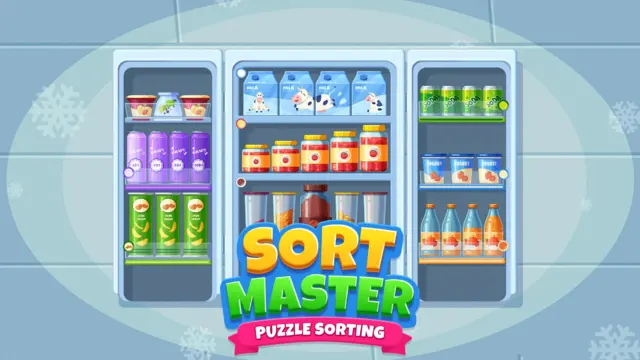
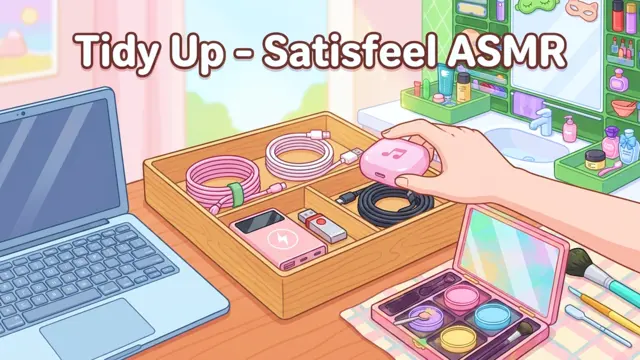
Small scenes, different ways to organize
Our own browser game turns observing, comparing and trying into small organizing challenges. Packing has two scenes: choose exactly what the trip checklist needs, then fit it into a 5 × 4 bag. In the rainy trip, folding the raincoat changes its footprint from 3 × 2 to 2 × 1 spaces. Desk & Drawers has three more scenes for making room, keeping daily tools within reach and reserving a key slot. Different layouts and equivalent checklist items are accepted. The unified Journey brings all eight scenes into three chapters, with 30 extra puzzles in the practice corner. Choose any scene, return to Journey or continue where you left off.
- Packing: choose the four essentials or the rainy trip's six items from the checklist, with exactly the listed quantities. Then fit them inside a 5 × 4 bag without overlap. Either equivalent notebook or socks pair works. Fold the raincoat to reduce its padded footprint; rotate, undo and rearrange as needed. Edit list returns to your choices while keeping other valid placements.
- Desk & Drawers: three scenes use the same six objects in a 6 × 4 drawer. First fit them inside without overlap. Next keep the pen and ruler entirely in the front two rows, nearest the handle. Finally keep that rule and leave the dotted key slot empty for later. The padded shapes show the space each object needs. Any arrangement following the current rules works; use Scenes to choose or continue a drawer.
- Before the wardrobe: inspect clothes for marks and damage, then choose whether to put them away, wash them or repair them first.
- Choose a battery pack: match both type and quantity. Check whole packs independently; do not combine packs.
- Will it fit in the drawer? in the Three scenes mode, test each rectangle in a 20 × 10 cm drawer. Rotate 90 degrees, then select the only card that cannot fit.
How to play
In Packing, tap items to choose or leave them, or drag them onto the checklist. Click the whole checklist to check quantities and begin packing. Drag into the bag, or choose an item and its top-left landing cell. Rotate, fold the raincoat, undo or take an item out. Edit list keeps placements for things you still choose. Journey opens all chapters and the practice corner. Next scene continues within a chapter; the final drawer leads to packing, and the final bag returns to Journey. The drawer uses the same placement controls. The original three scenes still use drag handles or item-and-destination taps.
Use Tab to move between controls and Enter or Space to activate them. In Packing and Desk & Drawers, choose an object with Enter, use arrow keys to move between landing spots, then Enter to place it. R rotates; in Packing, F folds the selected raincoat. Escape cancels a selection. Change EN / 中文 inside Desk & Drawers or the original three scenes to switch language.
Tips to try
- Packing starts with quantities: choose one notebook, not both. Either identical notebook works. In the rainy trip, each socks icon represents one pair.
- Fold the raincoat before arranging the rainy trip. Its smaller padded shape changes what can fit; Undo can restore the fold as well as a move.
- Give the notebook room first. Turn the long pieces and use Undo to compare arrangements. Any layout that fits all six and follows the current scene's rules works.
- In the second and third drawers, front means the two rows nearest the handle. Keep the whole pen and ruler in that half; in the third, the dotted key slot must stay empty.
- In the clothing scene, damage takes priority over a mark that needs washing.
- Check a battery pack's type and quantity. Each whole pack is judged separately, and color does not determine its destination.
- Try both allowed directions in the drawer. An exact fit is allowed, and trial placement does not choose your final answer.
Scores and saved progress
No countdown or account is required. Packing and Desk & Drawers have no score or hint penalty. Each scene saves its choices, arrangement, undo history and up to eight completed records in this browser; packing also saves the stage and raincoat fold. Switching saves your place, reopening continues the last scene, and restarting resets only that scene. Journey summarizes chapter progress and remembers your last scene; each activity retains its own save. In the original three scenes and practice library, hints use a 0.8 score multiplier and corrections never replace the first-answer score.
Keep using the same browser on this website to resume. Clearing browser data or changing devices can remove access to those local saves. Saving the game to My games is a separate bookmark, not a backup of your game progress.