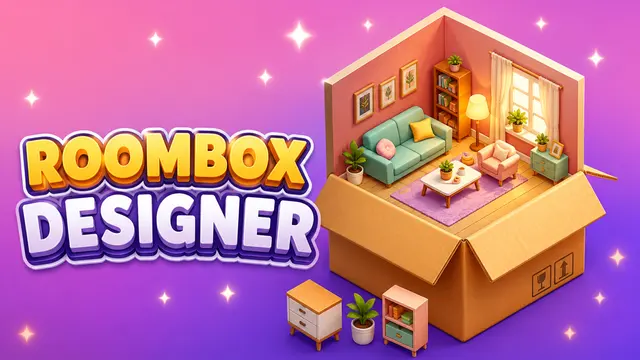
What do you do in Dream Room?
Choose from six room settings, place furniture and smaller decorations, and try different wall and floor finishes. The source describes more than 250 items and flexible placement, so this is a design sandbox rather than a put-away puzzle.
How to play Dream Room
Use the in-game item and room controls to select, place and recolor furnishings. Exact mouse and touch gestures still need hands-on checking.
Tips for this game
- Choose the larger pieces before filling gaps with lamps and plants.
- Try a wall or floor finish before committing to an item color scheme.
Before you start
Creative room decorating with unlockable spaces and items. Placement freedom is provider-described; timer and mobile behavior are not independently verified.
These activity notes use the official source description unless a hands-on check is specifically recorded. Timer, sound and touch behavior can vary by mode.
For a paint-focused room activity without furniture placement, try Color the Room. Color the Room game guide ↗
Compare organizing and sorting activities, or learn what to check for a quieter game.